Coming to your HMS: 26 May 2026
In the Spotlight
Get Paid On Time, Automatically
Collect payments at the right moment, without manually charging stored cards.
Manually charging stored cards takes time and leaves room for error, from forgotten payments and missed deadlines to awkward guest follow-ups.
With the new Payment Policies feature, RoomRaccoon automatically charges the stored payment card based on the rules you configure. Charges run in line with cancellation policy timelines, helping secure revenue at the right moment without manual follow-up.
With Payment Policies, you are able to:
Automatically charge the stored payment card based on your configured policy
Align payment collection with cancellation policy timelines
Reduce manual payment processing and follow-up
Create a more consistent payment collection workflow
Help secure revenue before key booking deadlines
Spend less time chasing payments and more time focusing on your guests.
Make Your Cancellation Rules Clear from the Start
Give guests clear cancellation terms before they complete their booking.
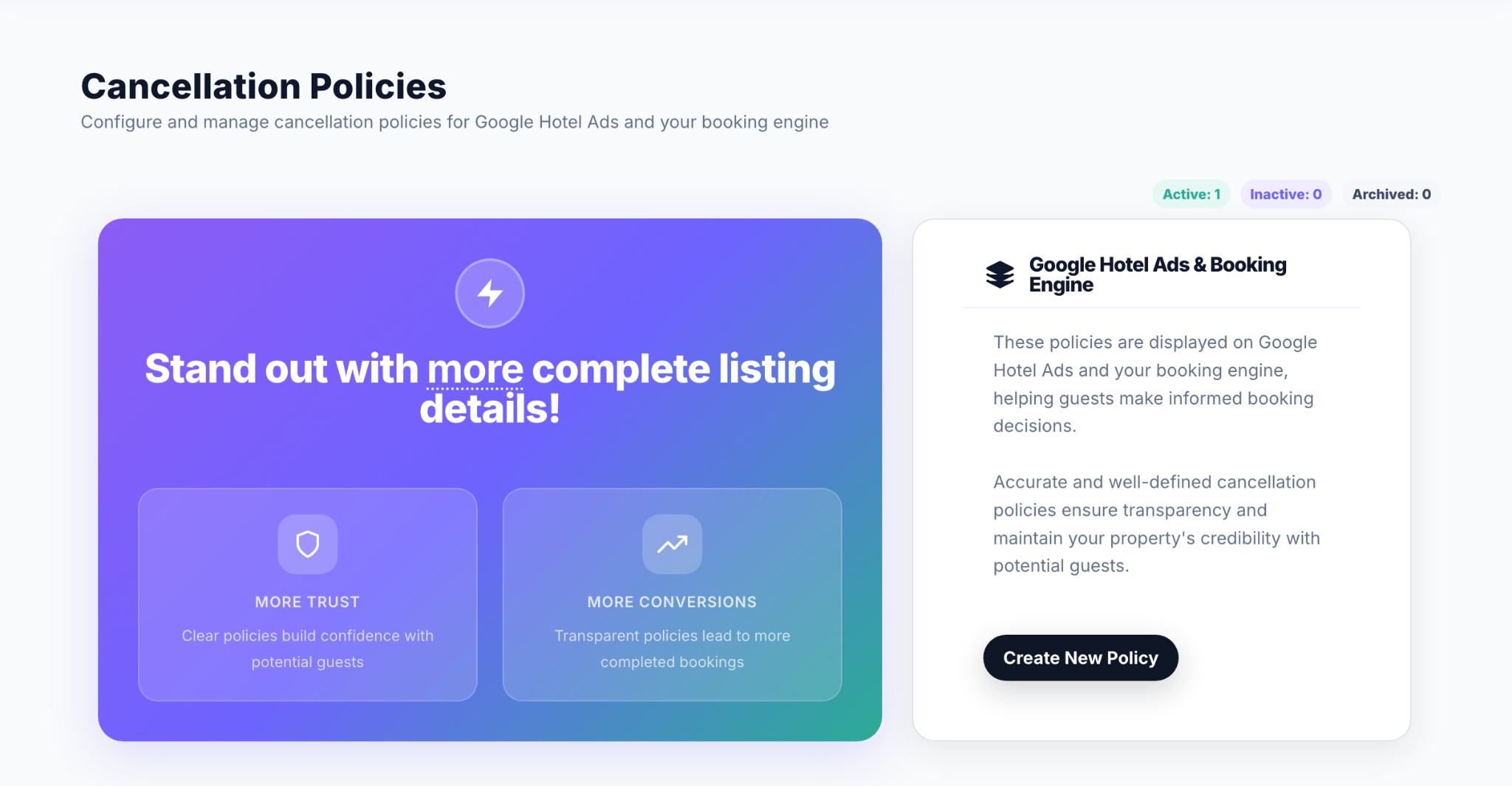
Unclear cancellation terms lead to more questions, more disputes, and more front desk follow-up.
The new Cancellation Policies feature lets you define and manage your property’s cancellation rules directly in RoomRaccoon, including refund percentages, deadlines, and which rate plans each policy applies to.
These policies are displayed in your Booking Engine and shared with Google Hotel Ads, keeping cancellation information clear and consistent across key booking channels.
With Cancellation Policies, you are able to:
Create and manage cancellation rules from one dedicated tab
Set fully refundable, partially refundable, or non-refundable policies
Set custom refund percentages and deadlines
Apply policies to specific room categories and rate plans
Display cancellation terms clearly in your Booking Engine and share them with Google Hotel Ads
Add translations for your active Booking Engine languages
Archive old policies without disrupting existing bookings
Give guests clearer expectations upfront and give your team more control over how cancellation rules are managed.
Learn how to set up Cancellation Policies here.
See Your Revenue Optimisation at Work
See exactly how RaccoonRev Plus works for you, every day.
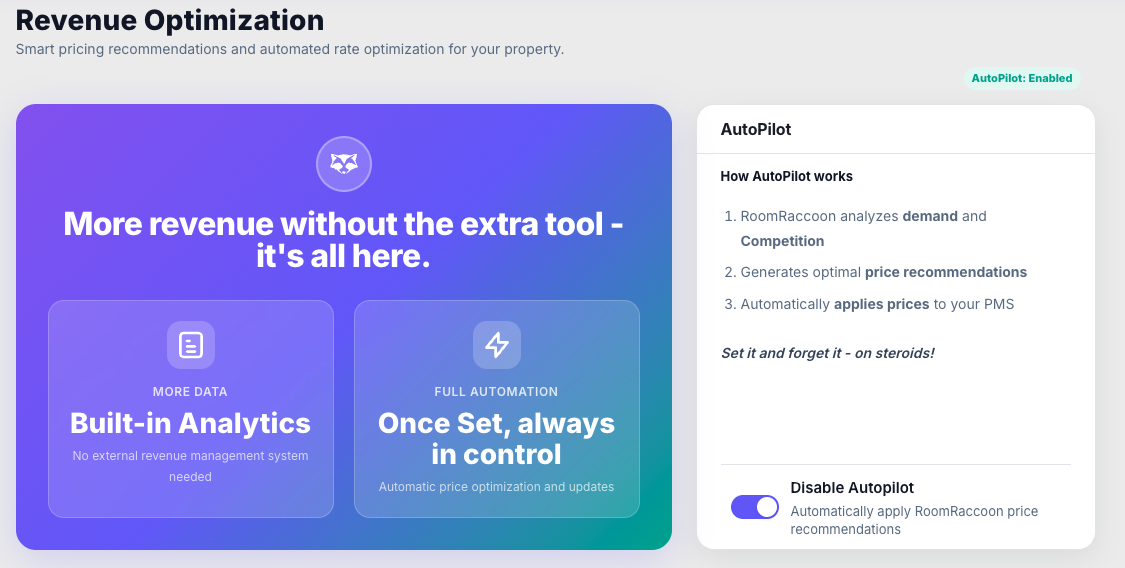
When your pricing runs on autopilot, visibility matters. The new RaccoonRev Dashboard shows your revenue optimisation activity in one clear view.
See every pricing recommendation generated, recently applied recommendations, manual rate edits, and automated autopilot updates, all from one dashboard with a unified date picker.
With the RaccoonRev Dashboard, you are able to:
View total pricing recommendations generated
Track recently applied recommendations
See manual rate updates
Monitor automated autopilot updates
Use one date picker across all dashboard views
Better understand revenue optimisation activity over time
This gives you clearer visibility into how your pricing strategy is being supported, updated, and optimised.
Learn more about the RaccoonRev Dashboard here.
Automate VCC Charges with Peach Payments
Available for properties in South Africa and Mauritius using Peach Payments.
Charge Virtual Credit Cards on their activation date and track activity from one dashboard.
Virtual Credit Cards are time-sensitive, and manually charging them adds extra admin for your team.
With VCC Auto-Charge for Peach Payments, RoomRaccoon automatically charges Virtual Credit Cards on their activation date, helping reduce manual processing and missed payment risk.
A dedicated dashboard gives you visibility into VCC activity, including charge statuses, balances, and related transaction details.
With VCC Auto-Charge and the new dashboard, you are able to:
Automatically charge VCCs on their activation date
Reduce manual payment processing
Track charge statuses from a dedicated dashboard
View VCC balances and related transaction details
Minimise the risk of missed VCC payments
This helps your property manage VCC payments more efficiently and with greater visibility.
Let Guests Add a Tip During Online Check-Out
Make tipping part of the digital check-out flow.
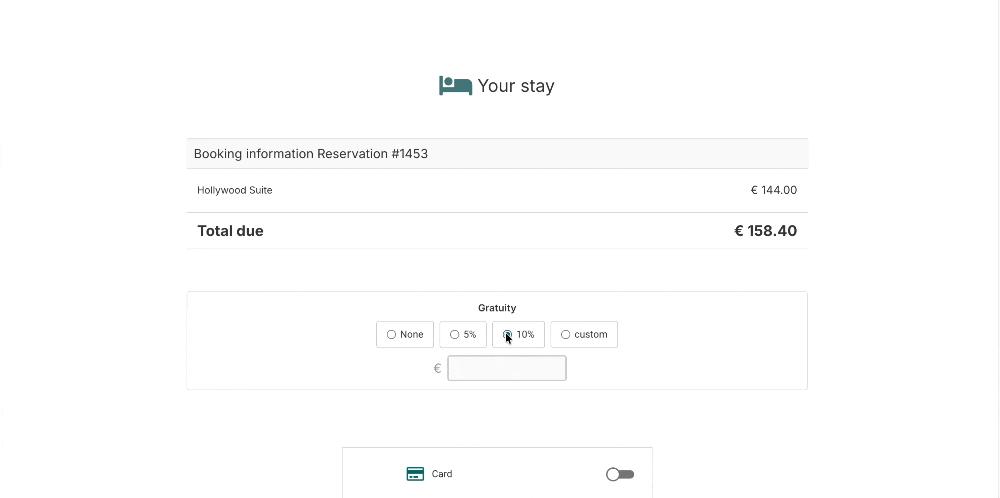
Guests are now able to add an optional tip during online check-out as part of the standard payment flow.
Tips are recorded as a separate add-on within the reservation, reflected in the payment details, and included in reporting, helping your property track gratuities accurately.
With gratuity in online check-out, you are able to:
Allow guests to add an optional tip during online check-out
Record tips separately within the reservation
Keep gratuities visible in payment details
Include tips in reporting for accurate tracking
Support a more transparent gratuity workflow
A small change to the guest journey means tips are easier to capture before guests leave.
Learn how gratuity works in online check-out here.
More Improvements
Give Event Clients a Clear Proposal Before They Confirm
The new Event Proposal Document helps you send a structured, professional proposal directly from RoomRaccoon.
Accommodation, meeting spaces, food and beverage, equipment, and additional services are presented in one clear document, with pricing, VAT, subtotals, and the grand total laid out for review before the client confirms.
With the Event Proposal Document, you are able to:
Present all event elements in one professional document
Support multi-day and multi-service event programmes
Show transparent pricing, VAT, section subtotals, and a grand total
Help clients review and approve before booking confirmation
Keep proposals separate from invoicing and accounting documents
Cleaner proposals go out faster, helping clients make decisions with confidence.
Learn how to generate an Event Proposal Document here.
LTS Monthly Closure Is Now More Self-Service
Available for properties in Italy.
RoomRaccoon sends overnight stay data daily and attempts to close the month automatically.
If automatic closure fails because reservation information is missing or incomplete, eligible properties are now able to resend overnight stays and manually close the month after making corrections.
With LTS self-service monthly closure, you are able to:
Resend overnight stay data after correcting missing or incomplete information
Close the month manually when automatic closure was not completed
See clear success feedback with a green badge and PDF
Keep your monthly reporting workflow moving with less back-and-forth
Also in This Release
Faster Rate Editing in Channel Manager
You are now able to use the Tab key to jump to the next day when updating individual rates in Rates & Availability, making manual edits faster across consecutive dates. The same applies to derived rate and MLOS updates, with smoother performance and reliable real-time saving.
TTLock and Nuki Self-Service Mapping
Once TTLock or Nuki is activated by a RoomRaccoon Setup Specialist, you are now able to map rooms, conference rooms, and add-ons yourself from the Marketplace. Search, filters, and bulk actions make setup faster, especially across larger properties.
Expedia Reservations API Upgrade
Beta.
Expedia reservations now sync into RoomRaccoon with a full cost breakdown per booking, capturing pricing components more accurately and reducing discrepancies caused by missing data.
Peppol UI Improvements
We have made several improvements to the Peppol interface. The invoice overview now gives you clearer visibility into which invoices are in draft, have been sent successfully, or need attention.
Error details are available on hover, and any invoice that failed to send is resent directly from the overview using the resend icon.
Was this article helpful?
That’s Great!
Thank you for your feedback
Sorry! We couldn't be helpful
Thank you for your feedback
Feedback sent
We appreciate your effort and will try to fix the article