Guests can add an optional gratuity during the online check-out process. The gratuity amount is processed separately from the reservation total, which helps with accurate accounting, reporting, and payment tracking. This feature is currently available for properties using RaccoonPay.
Before you start
Before enabling gratuities, make sure the following is already set up on your property:
- RaccoonPay is enabled
- Online Check-out is enabled
- A Ledger and Revenue Group for gratuities is created in the Finance module
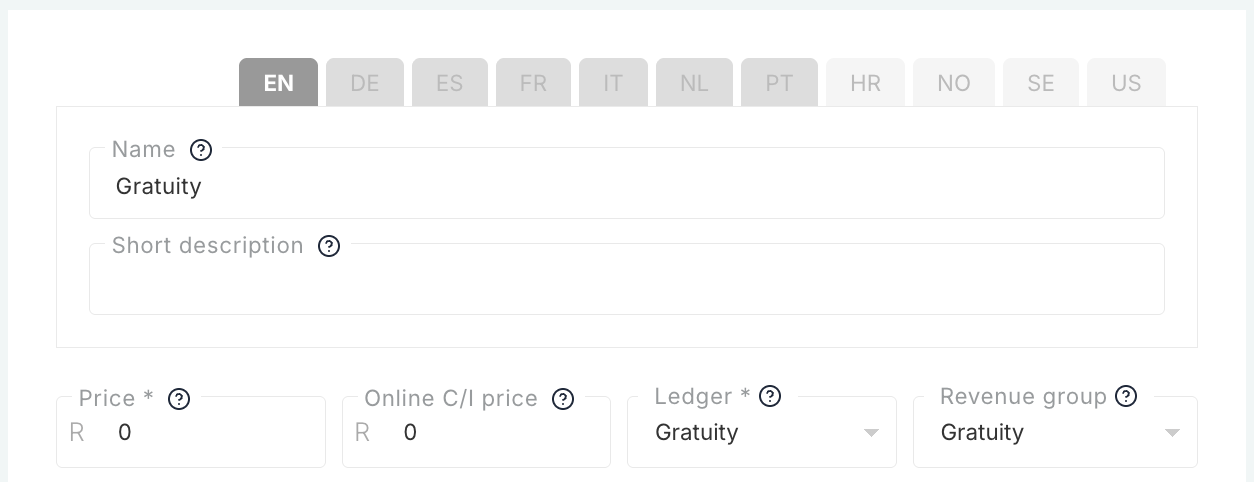
Once gratuities are enabled, the system automatically creates an add-on called "Gratuity" in your Add-ons settings.
How to enable guest gratuities
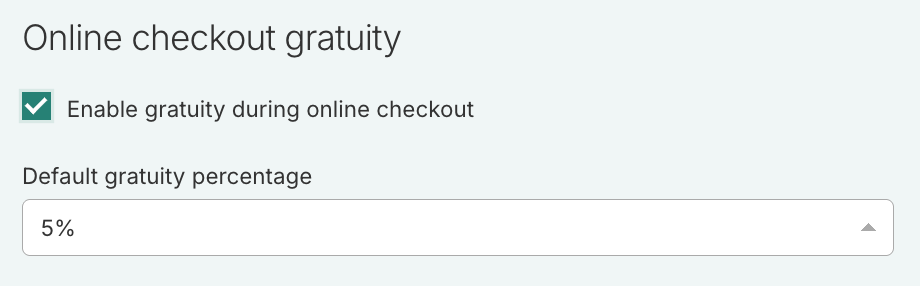
- Navigate to: Booking Engine Settings > Online Check-out Gratuity
- Enable the gratuity option
- Select a default gratuity percentage:
- 5%
- 10%
- Click Save
How guests add a gratuity
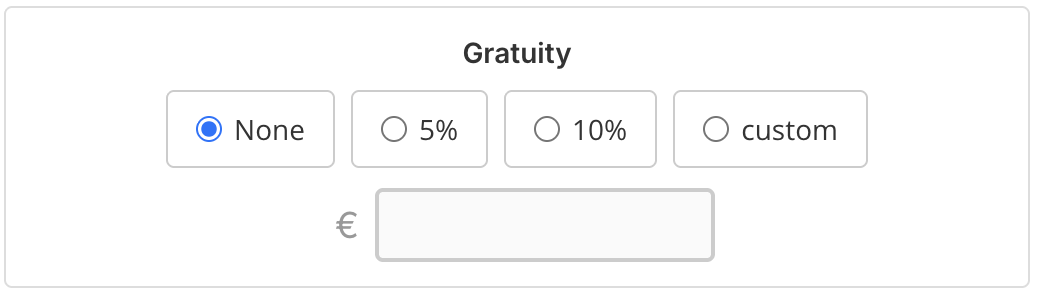
During online check-out, guests will see a gratuity section below the reservation details. The default gratuity percentage is automatically selected, and guests can change the option before completing payment. Guests also have the option to select no gratuity if they do not want to leave a tip.
The total payable amount updates automatically based on the selected gratuity amount.
- Keep the default gratuity percentage
- Select a different percentage
- Enter a custom gratuity amount
- Select None
What is included
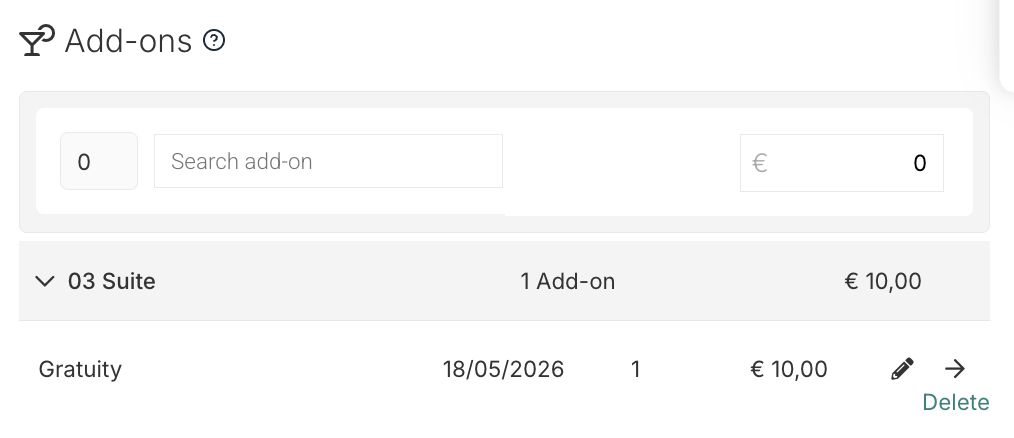
When a guest adds a gratuity and completes payment, the gratuity is automatically added to the reservation as a separate add-on called "Gratuity". The gratuity amount is tracked separately from accommodation revenue and appears in payment details and reporting for easier reconciliation and visibility.
The gratuity add-on uses the Ledger and Revenue Group configured by the property in the Finance module.
Important to note
Gratuities are always optional for guests, and guests can still complete online check-out without leaving a tip. Only one gratuity option can be selected at a time.
If a guest selects no gratuity, no gratuity add-on is created and no gratuity amount is charged. The add-on is only created after a successful payment.
This feature currently supports RaccoonPay only.
Was this article helpful?
That’s Great!
Thank you for your feedback
Sorry! We couldn't be helpful
Thank you for your feedback
Feedback sent
We appreciate your effort and will try to fix the article